Create an event
Add the work itself: dates, place and shifts.
For organization managers· 1 min read· Updated Oct 15, 2026
Create the event
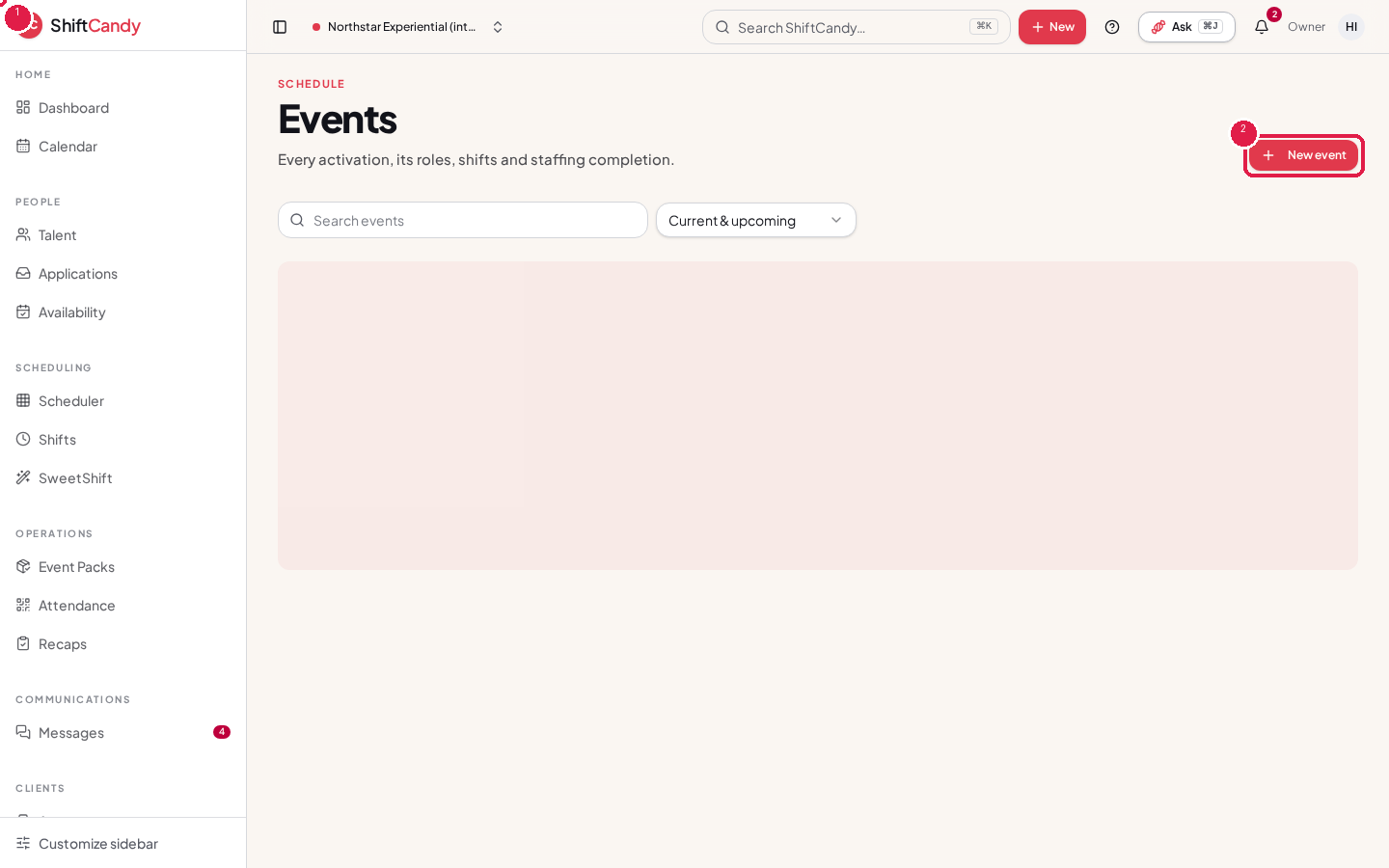
- Go to Events in the sidebar and use New event.
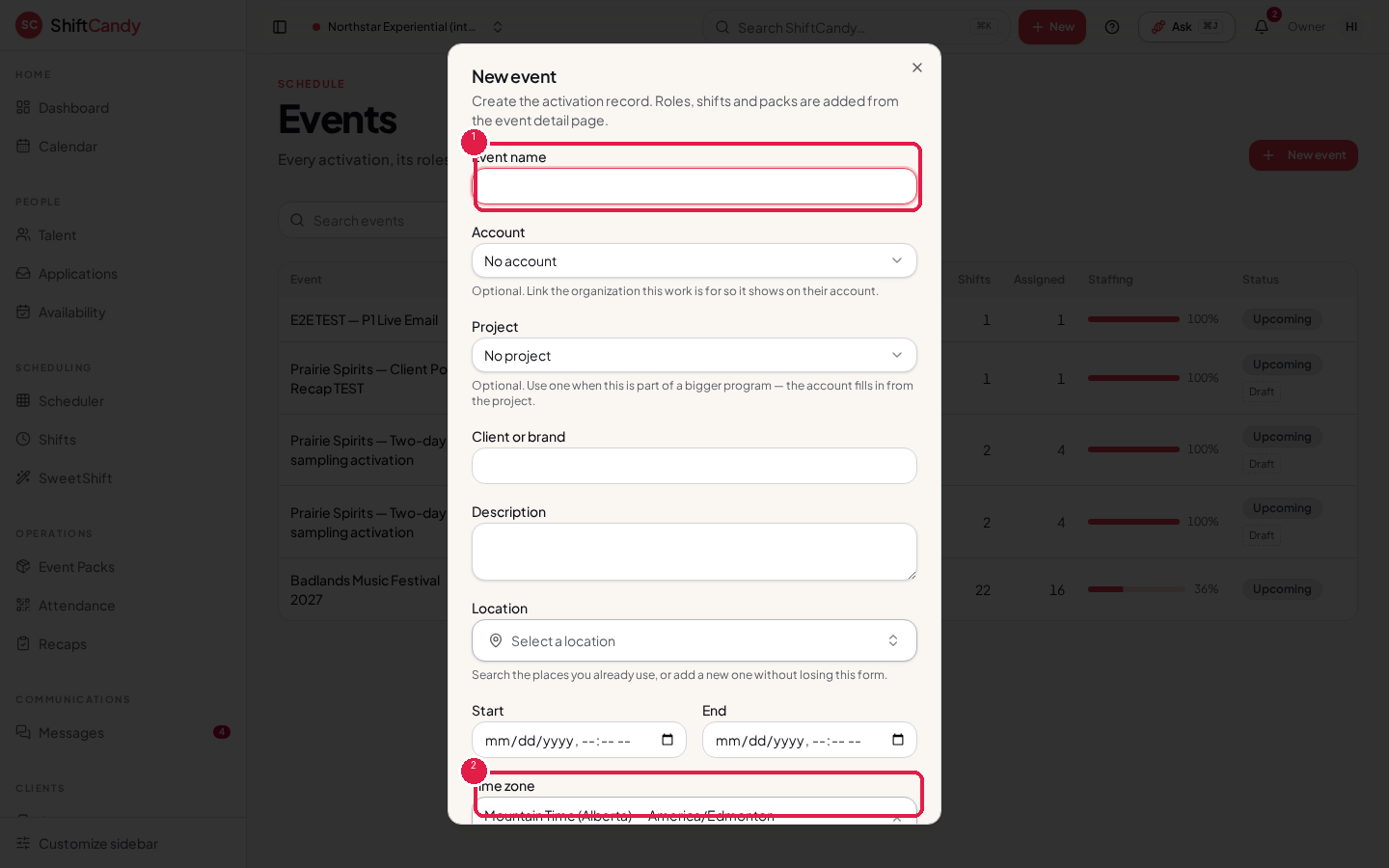
- Give the event a name, then add the location, start and end.
- Check the event's Time zone. Every shift, check-in and message time for this event uses it, whatever time zone you're viewing from.
What's on an event
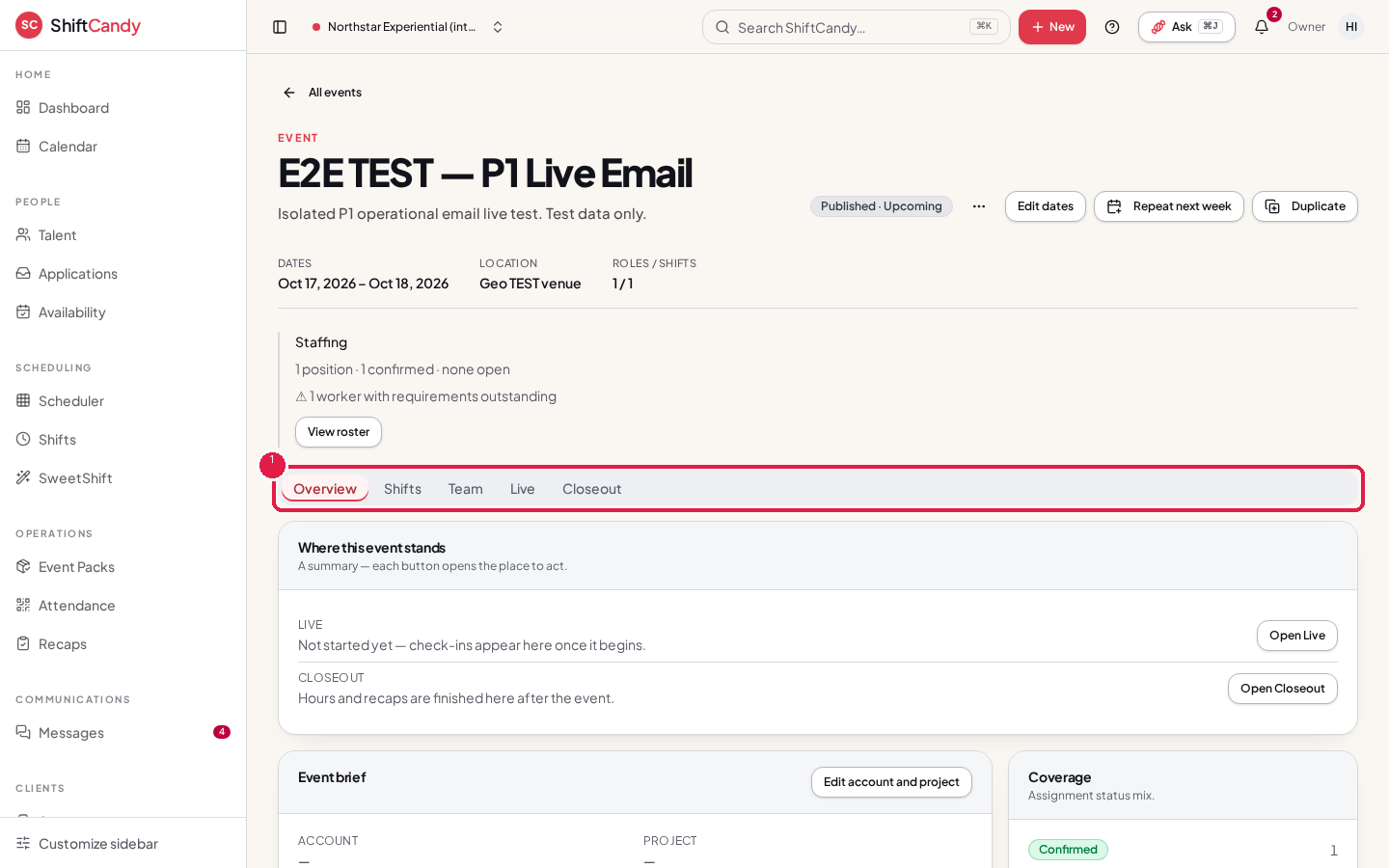
An event screen groups its tabs into Overview, Shifts, Team, Live and Closeout.
Tip
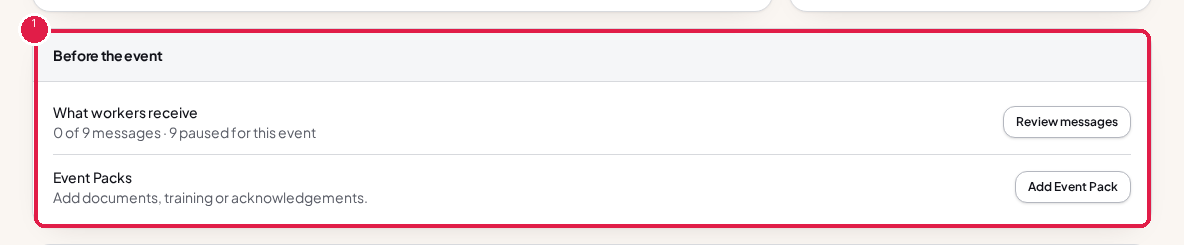
The Overview tab's Before the event card shows what still needs doing, like reminders and Event Pack requirements.
Next
Was this helpful?