Complete a recap
For workers: submit your shift report after an event.
For workers, organization managers· 1 min read· Updated Oct 15, 2026
Submit a recap
- After your shift, open your tasks in the Staff Portal.
- Open the recap and answer the questions. Add photos or receipts if asked.
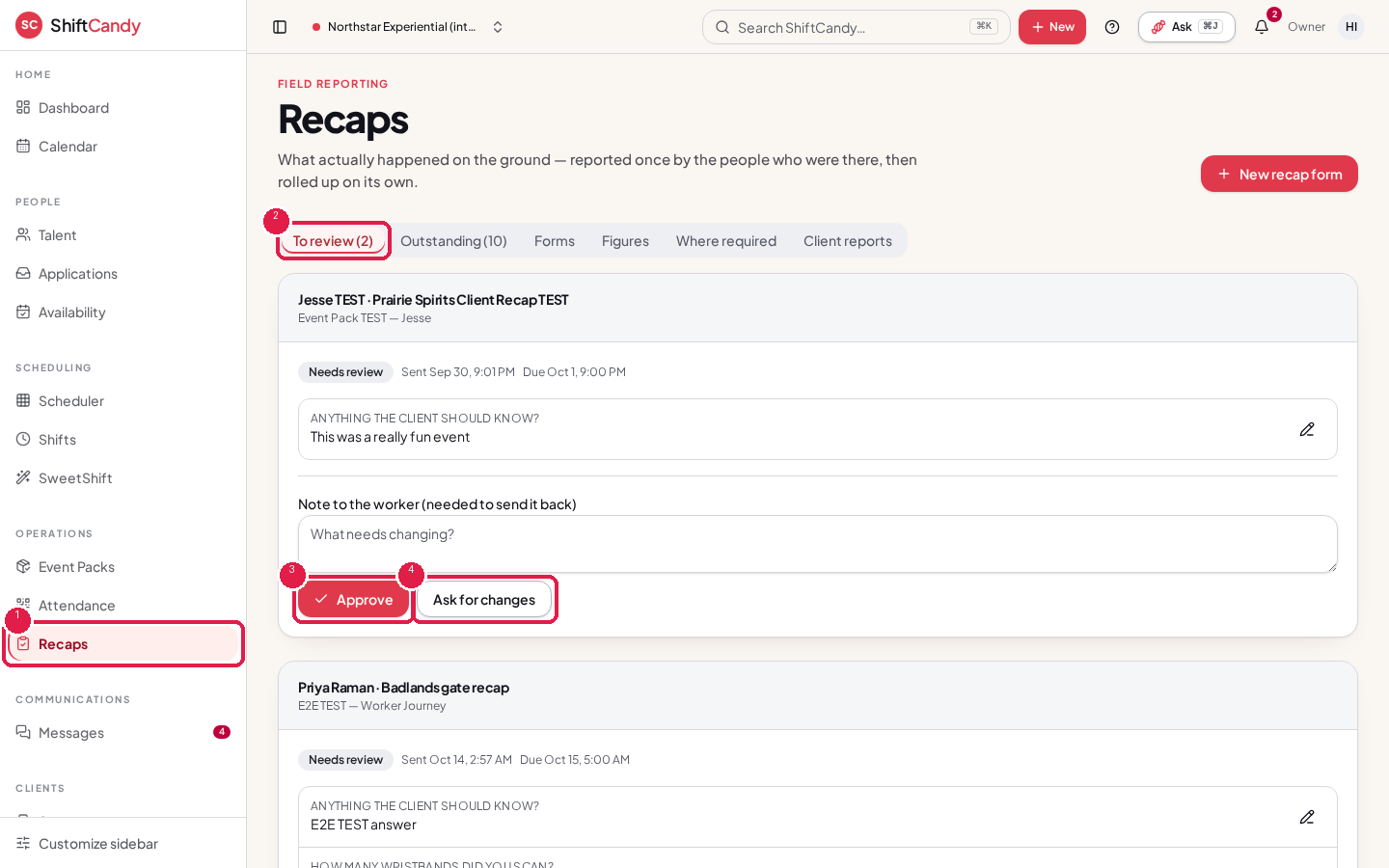
- Submit it. Your manager reviews it and may approve it or ask for changes.
For managers
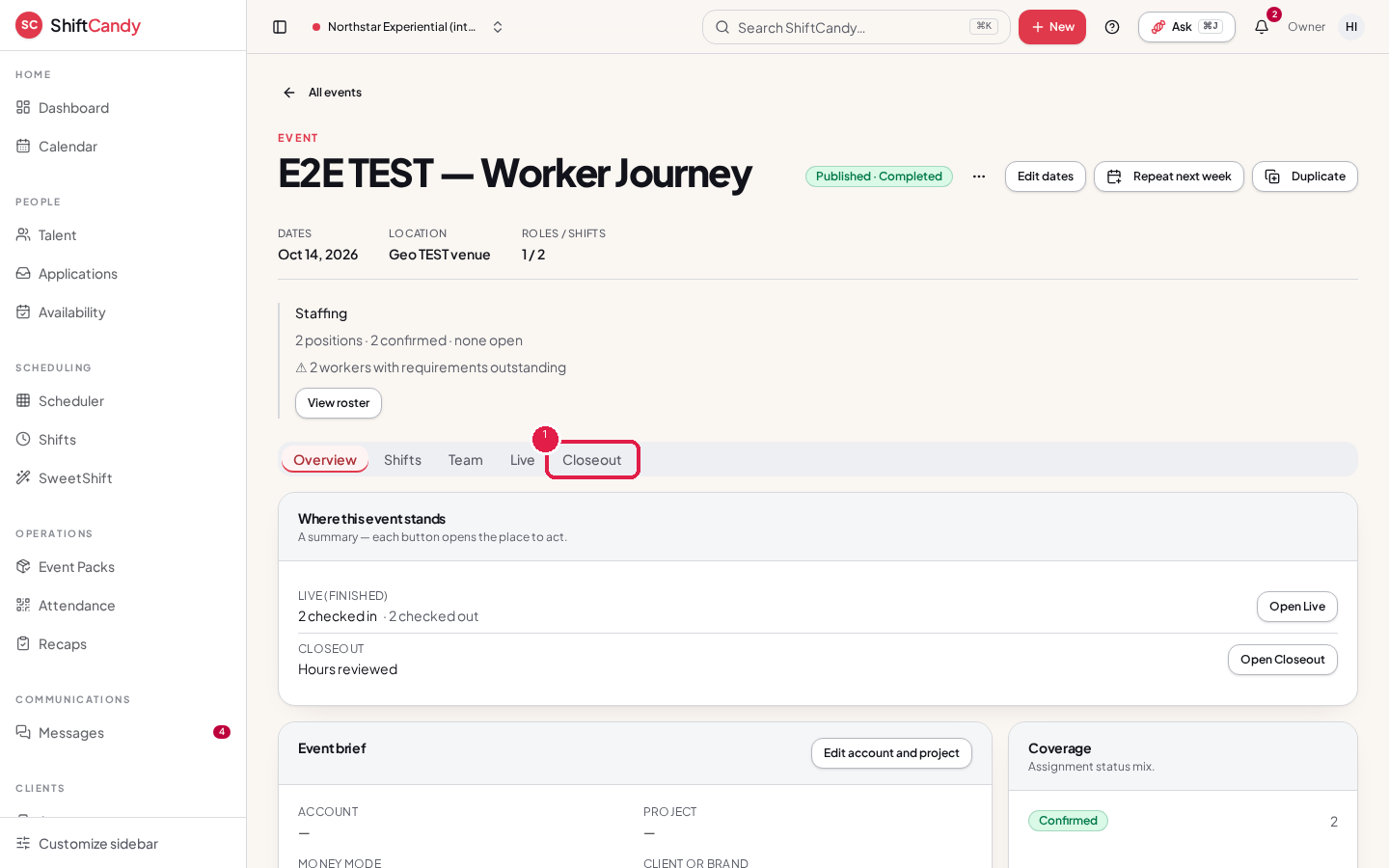
Open Recaps from the sidebar, or from an event's Closeout tab. Reviewing a recap is a manager action. Workers can't approve their own reports.
Was this helpful?